
For over a decade, the barrier to entry into the macOS ecosystem has hovered firmly around the $1,000 mark. If you wanted the premium aluminum build, the class-leading trackpad, and the virus-resistant operating system, you had to pay the "Apple Tax." But in 2026, Apple rewrote the rules. Enter the MacBook Neo: a stunning, colorful 13-inch laptop that starts at an astonishing
MacBook Neo Review: The Cheapest Mac Ever Made?

To achieve this unprecedented price point, Apple didn't just strip features from a MacBook Air; they completely re-engineered their approach. By taking the A18 Pro processor from the iPhone 16 Pro and dropping it into a fanless laptop chassis, Apple has created a device built specifically to crush Chromebooks and cheap Windows PCs.
But does a $599 Mac actually feel like a Mac? After weeks of testing, the answer is a resounding yes—provided you understand exactly what you are giving up.
Design and Build: Premium Feel, Playful Colors

The MacBook Neo doesn't look or feel like a cut-price machine. It retains the rock-solid aluminum chassis Apple is known for, weighing in at a highly portable 2.7 pounds and measuring just 0.5 inches thick. It also brings back a sense of fun to the Mac lineup, ditching standard "Space Gray" for four vibrant finishes: Silver, Blush, Citrus, and Indigo.
Opening the lid reveals a major aesthetic win: the notch is gone. The Neo features uniform black bezels around its 13-inch display, housing a surprisingly crisp 1080p FaceTime HD camera. The Magic Keyboard and trackpad are just as tactile and precise as those on a $2,000 MacBook Pro. However, this is where we meet our first major compromise: the keyboard is not backlit. If you frequently work in dark lecture halls or dimly lit airplanes, this omission will take some getting used to.
The Display and Ports: Where the Corners Were Cut
To hit a $599 MSRP, Apple had to trim the fat, and nowhere is that more apparent than in the display and port selection.
The Display: The 13-inch Liquid Retina display (2408×1506) is perfectly sharp and hits a respectable 500 nits of brightness. However, it lacks Apple's True Tone technology and uses standard sRGB color rather than the P3 wide color gamut found on the Air and Pro. It's fantastic for Google Docs and YouTube, but professional photo editors will notice the difference.
The Ports: The Neo features two USB-C ports and a 3.5mm headphone jack. There is no MagSafe charger and, crucially, no Thunderbolt support. Even more bizarrely, while one port is a fast 10Gbps connection capable of driving a 4K external display, the other is limited to archaic USB 2.0 speeds (480 Mbps).
"By dropping an iPhone processor into a laptop chassis, Apple hasn't just built a cheaper MacBook—they’ve completely democratized premium computing."
Performance: An iPhone Heart Beating in a Mac
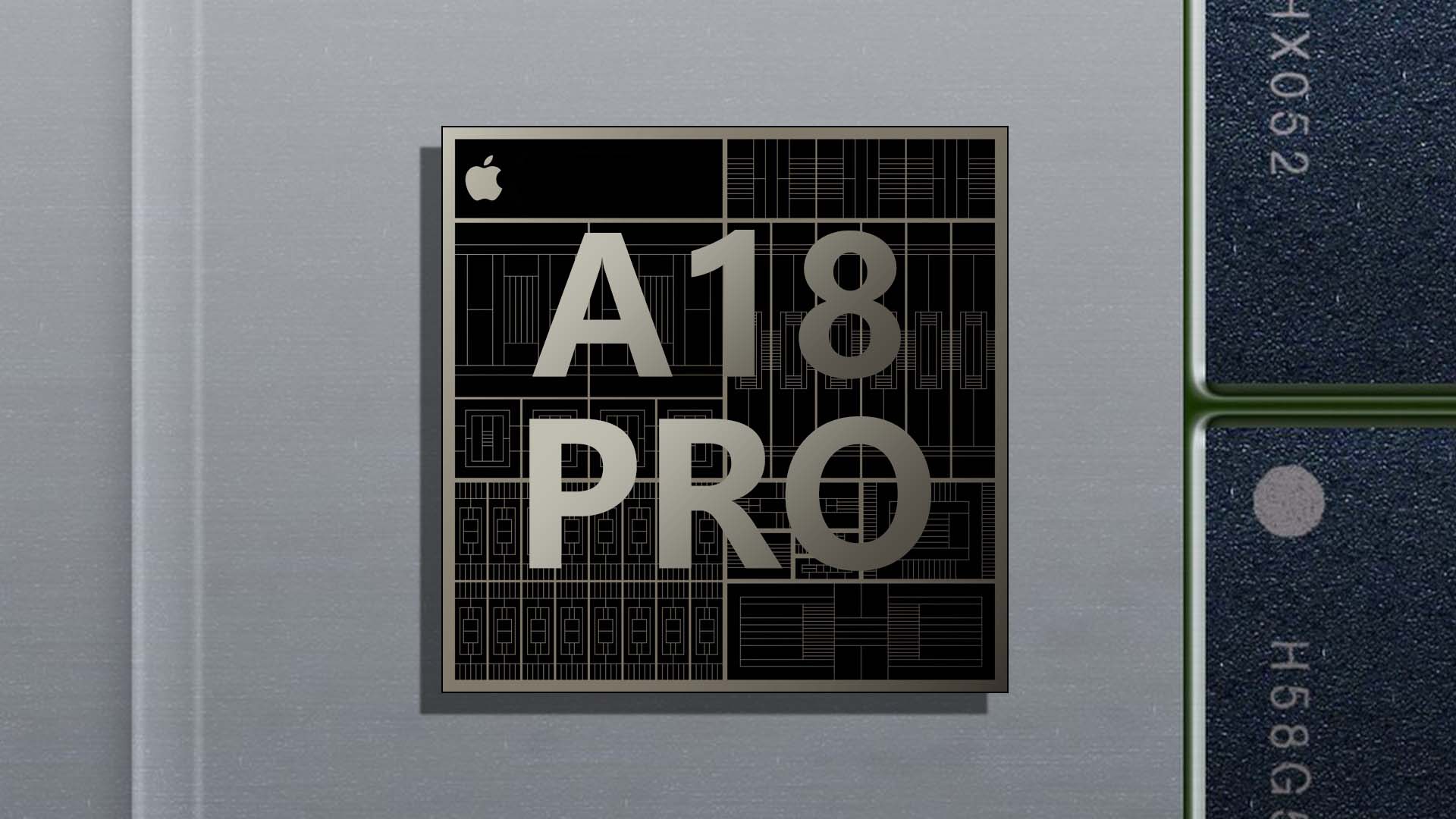
The biggest question mark hanging over the MacBook Neo was its brain. Can an A18 Pro smartphone chip effectively run a desktop operating system like macOS Tahoe?
The short answer is that it flies. Paired with 8GB of unified memory, the 6-core CPU and 5-core GPU handle everyday tasks with zero friction. In our Geekbench benchmarking, the Neo actually outscored the legendary M1 MacBook Air in both single-core and multi-core performance. Browsing with dozens of Safari tabs, running Microsoft Office, taking Zoom calls, and even editing 4K video streams in CapCut were handled without a single stutter.
Because the A18 Pro is incredibly power-efficient, the fanless Neo never gets hot, operating in total silence. It also features a 16-core Neural Engine, meaning local Apple Intelligence tasks run swiftly on-device.
Battery Life: True All-Day Power
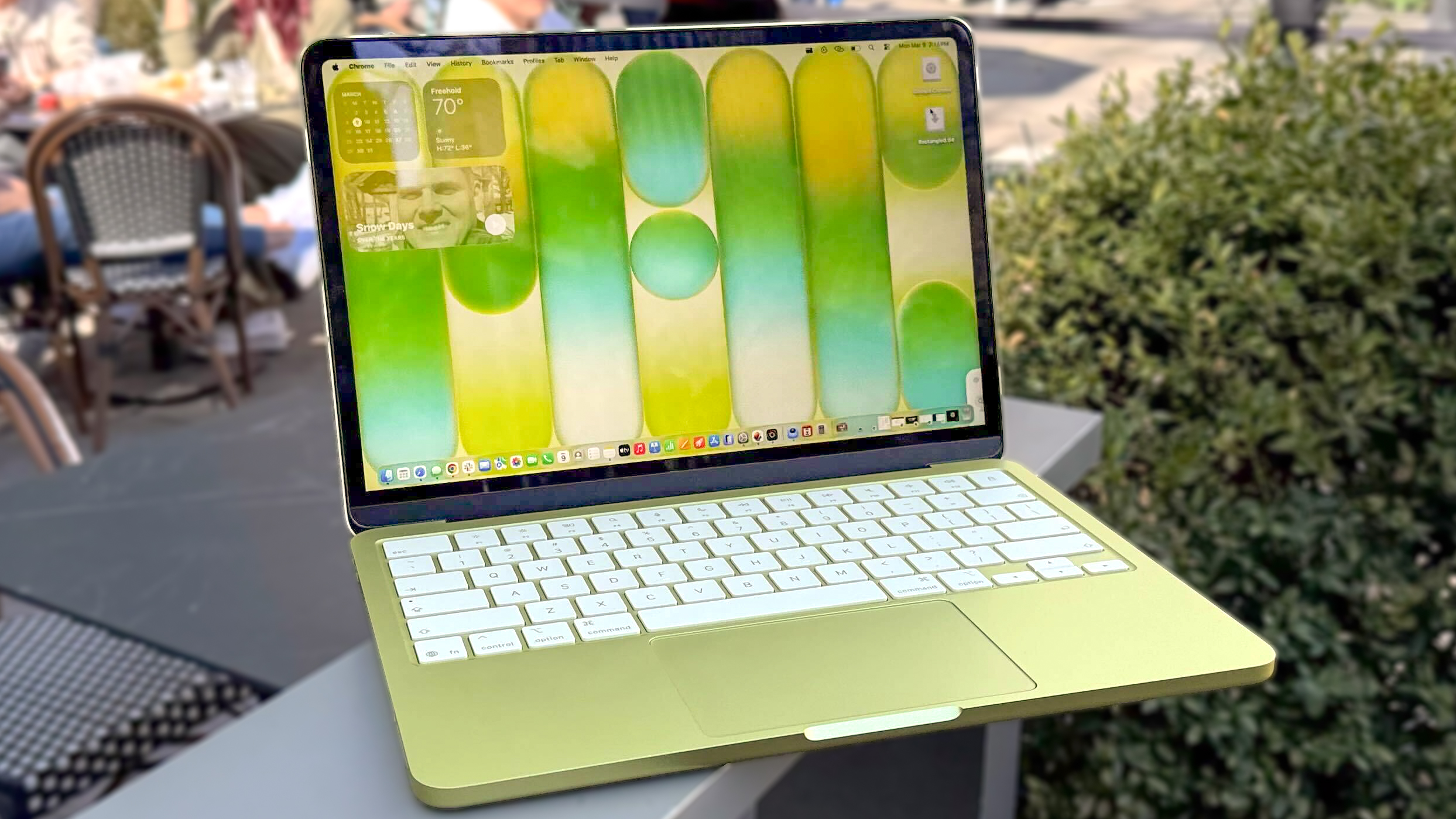
Because it relies on mobile silicon, the MacBook Neo sips battery. Apple claims up to 16 hours of video playback and 11 hours of wireless web browsing. In our real-world testing, a full workday of typing, Slack messaging, and Spotify streaming routinely left us with around 30% battery by 5:00 PM.
Keep in mind that the Neo only ships with a 20W power adapter, and it does not support fast charging. A full charge takes roughly two hours.
The Verdict: Pros and Cons
The Good | The Bad |
Unbeatable Price: Starting at $599 is a game-changer for the Mac ecosystem. | No Keyboard Backlight: A frustrating omission for night owls and travelers. |
Excellent Build Quality: Premium aluminum chassis in fun, vibrant colors. | Port Limitations: No MagSafe, no Thunderbolt, and one slow USB 2.0 port. |
Surprising Performance: The A18 Pro easily outpaces budget Windows chips. | Base Display: Lacks True Tone and P3 wide color gamut. |
Should You Buy It?
If you are a student, an office worker, or someone whose digital life revolves around web browsers, writing, and media consumption, the MacBook Neo is the best laptop you can buy right now. It exposes the cheap, flimsy plastic of budget Windows laptops for what it is. While power users and creatives should absolutely step up to the M5 MacBook Air, for the vast majority of regular consumers, Apple just built the perfect everyday computer.